
Appearance
A Laravel ecommerce storefront builder on Filament
If you already keep products, categories and orders in Eloquent tables, you do not need a second commerce platform to get a designed storefront. FilamentCraft works as a Laravel ecommerce storefront builder inside your Filament panel: you implement one interface over your own models, and seven built-in commerce sections render your catalog on pages that authors lay out in the visual editor.
This tutorial walks through that build using the demo store ("Maison Aurelia") as the reference. It covers the Storefront contract, an Eloquent implementation, the container binding, the page templates, and the routes that let one product template serve every product URL.
How the Laravel ecommerce storefront builder fits Filament
The split is simple: authors choose what to show, and your code decides what the data is. A product carousel's settings say "featured, limit 8". The products themselves come from your database at render time, through one interface.
That interface is FilamentCraft\Commerce\Contracts\Storefront. The commerce sections never touch your Eloquent models. They receive plain value objects and ask the contract for URLs. The package binds NullStorefront by default, so you can drop a product grid on a page before your backend exists and it renders an empty state instead of an exception.
The seven sections shipped in 1.13.0:
| Section | Slug |
|---|---|
StoreHeroSection | store-hero |
ProductListingSection | product-listing |
ProductDetailSection | product-detail |
ProductCarouselSection | product-carousel |
CategoryGridSection | category-grid |
CartSection | cart |
CheckoutSection | checkout |
Step 1: read the contract
The interface has six methods. Four read the catalog, one builds URLs, and one places an order:
php
namespace FilamentCraft\Commerce\Contracts;

interface Storefront
{
    /** @return Collection<int, ProductData> */
    public function products(CatalogQuery $query): Collection;

    public function product(string $slug): ?ProductData;

    /** @return Collection<int, CategoryData> */
    public function categories(?int $limit = null): Collection;

    public function category(string $slug): ?CategoryData;

    /** @param array<string, string> $params */
    public function url(string $name, array $params = []): string;

    /** @param list<array{slug: string, variant: string|null, qty: int}> $lines */
    public function placeOrder(array $lines, CustomerDetails $customer): OrderResult;
}
The value objects live in FilamentCraft\Commerce\Data and are all final readonly. CatalogQuery is a request for products: a collection (all, featured, new or category), an optional categorySlug, sort, a minMinor / maxMinor price window, search and limit. ProductData is what comes back.
One rule runs through all of them: prices are integer minor units. No float crosses the boundary between your app and the sections, so a price of 49.90 travels as 4990.
Step 2: implement it over Eloquent
The demo maps three ordinary models (Product, Category, Order) onto the contract. The Product model has casts and two local scopes, featured() and newArrivals(), and nothing FilamentCraft-specific. The storefront class translates a CatalogQuery into an Eloquent query and each row into a ProductData:
php
use App\Models\Product;
use FilamentCraft\Commerce\Contracts\Storefront;
use FilamentCraft\Commerce\Data\CatalogQuery;
use FilamentCraft\Commerce\Data\ProductData;
use Illuminate\Support\Collection;

final class EloquentStorefront implements Storefront
{
    private const BASE = '/store';

    public function products(CatalogQuery $query): Collection
    {
        $builder = Product::query()->with('category');

        if ($query->collection === 'featured') {
            $builder->featured();
        } elseif ($query->collection === 'new') {
            $builder->newArrivals();
        }

        match ($query->sort) {
            'price-asc' => $builder->orderBy('price'),
            'price-desc' => $builder->orderByDesc('price'),
            'rating' => $builder->orderByDesc('rating'),
            default => $builder->orderBy('position')->orderBy('id'),
        };

        if ($query->limit !== null && $query->limit > 0) {
            $builder->limit($query->limit);
        }

        return $builder->get()->map(fn (Product $p): ProductData => $this->toProductData($p))->values();
    }

    public function url(string $name, array $params = []): string
    {
        return match ($name) {
            'shop' => self::BASE.'/shop',
            'cart' => self::BASE.'/cart',
            'checkout' => self::BASE.'/checkout',
            'product' => self::BASE.'/p/'.($params['slug'] ?? ''),
            'category' => self::BASE.'/shop?category='.urlencode($params['slug'] ?? ''),
            default => self::BASE,
        };
    }

    // product(), categories(), category(), placeOrder(), toProductData() trimmed
}
The full class, including category filtering and the order transaction, is in the e-commerce store example. Three details from it are worth copying.
First, url() owns your URL scheme. Every "View product" button, cart link and category tile in every commerce section goes through it, so the sections never hard-code a path. Change BASE and the whole store moves.
Second, placeOrder() re-reads prices from the database inside a transaction. The lines it receives carry a slug, a variant and a quantity, never a price, so nothing a customer submits can change what they are charged.
Third, keep the Illuminate\Support\Collection import. The contract's return types reference it, and leaving the use line out is a fatal "return type must be compatible" error when the class loads.
When your catalog is not retail
ProductData speaks physical-goods vocabulary: inStock, compareMinor, variants, rating. A catalog of courses or events has fields none of those describe. Since 1.35.0, both ProductData and CategoryData carry a host-owned meta array that the package passes through untouched, and you read it back with $product->meta('seats_left').
The same release added the commerce.card_view config key. Point it at your own Blade view and the product listing, the carousel and the related-products rail render your card while keeping their grid, filters, pagination and empty state. A view path that does not exist falls back to the built-in card rather than breaking the page.
Step 3: bind it in boot()
One line in a service provider replaces the default:
php
use App\Storefront\EloquentStorefront;
use FilamentCraft\Commerce\Contracts\Storefront;

public function boot(): void
{
    $this->app->singleton(Storefront::class, EloquentStorefront::class);
}
The boot() placement matters. FilamentCraft registers NullStorefront in its own provider, and binding in your boot() means your class wins regardless of provider order.
Step 4: build the pages in the editor
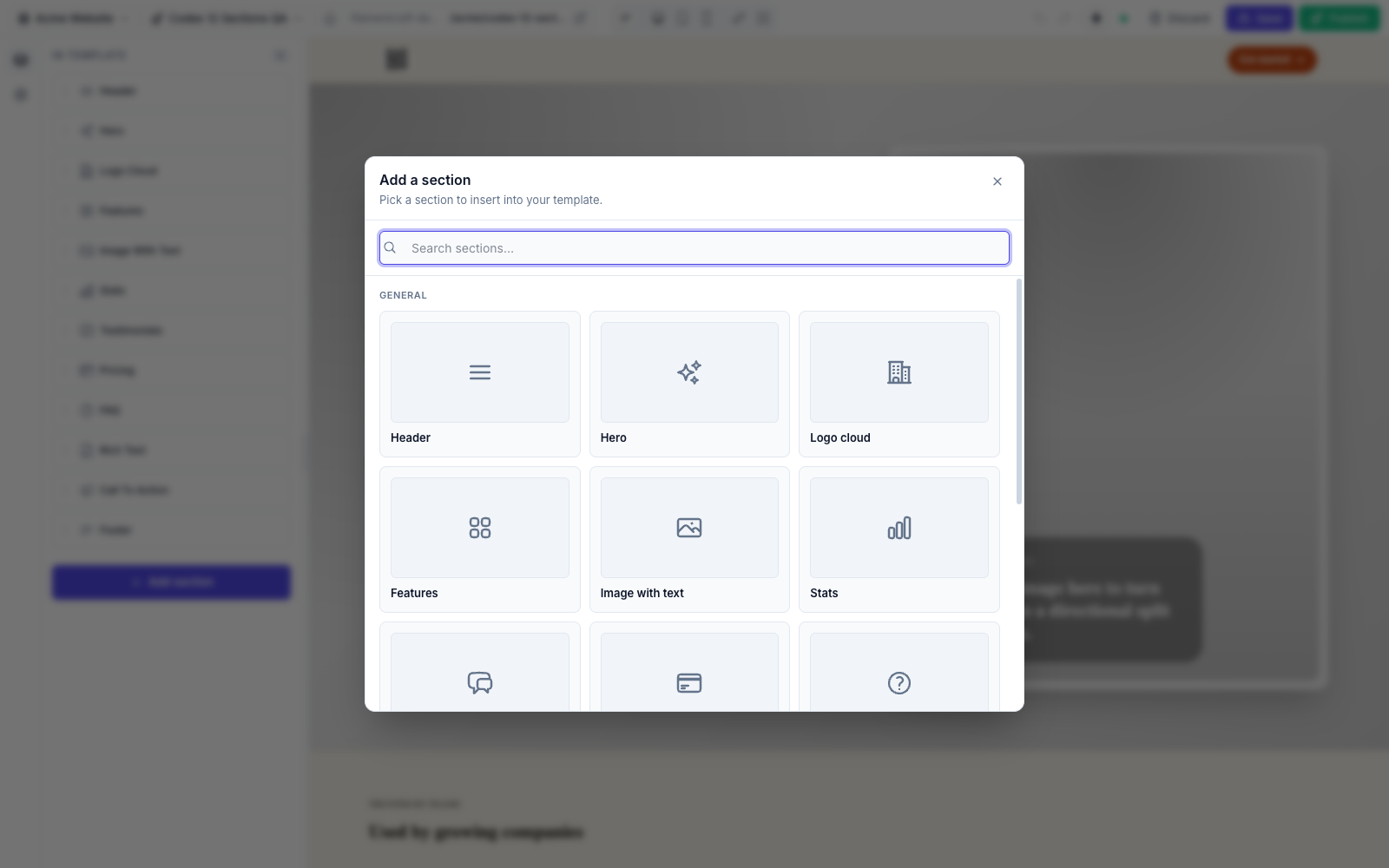
With the binding in place, the sections are ordinary entries in the editor's section catalog. The demo store is five templates:
home: store hero, product carousels and a category gridshop: product listingproduct: product detailcartcheckout
Because authors configure selection and not data, adding a product row makes it appear on the site without a republish. The timing depends on caching. ProductListingSection, ProductDetailSection, CartSection and CheckoutSection return false from cacheable(), since their output depends on URL filters, the product slug or the visitor's session. The hero, carousel and category grid keep the default, so a new product shows up in a carousel after the fragment TTL (cache.ttl, 3600 seconds by default) or a site cache flush. The caching reference covers the details.
Step 5: one template for every product URL
Product and category pages are dynamic pages: the URL carries a slug, and the page must render the matching record. FilamentCraft handles this with a RenderContext, which carries route parameters (strings) and bindings (objects) into the section layer.
The demo mounts the store under /store, registered before any tenant catch-all routes so store is never read as a tenant slug:
php
Route::prefix('store')->name('store.')->group(function (): void {
    Route::get('/', [EcommercePublicController::class, 'home'])->name('home');
    Route::get('shop', [EcommercePublicController::class, 'shop'])->name('shop');
    Route::get('cart', [EcommercePublicController::class, 'cart'])->name('cart');
    Route::get('checkout', [EcommercePublicController::class, 'checkout'])->name('checkout');
    Route::get('p/{product}', [EcommercePublicController::class, 'product'])->name('product');
});
The controller renders the single published product template and passes the slug along:
php
use FilamentCraft\Rendering\TemplateRenderer;
use FilamentCraft\Routing\RenderContext;

public function product(Request $request, string $product): Response
{
    return $this->renderTemplate($request, 'product', new RenderContext(parameters: ['product' => $product]));
}
Inside renderTemplate(), the demo binds the Site into the container, loads the template with the forSite() and published() scopes, and calls $this->renderer->render($template, 'published', $locale, $context). ProductDetailSection reads parameters['product'] and asks your Storefront for that product. In the editor there is no URL parameter, so the section falls back to a preview product the author picks, and the canvas still shows a real layout.
Since 1.22.0 the editor also follows storefront links. Clicking a product card in the canvas switches the editor to the page containing a Product Detail section and previews the clicked product. The destination is worked out from the sections each page contains, so it needs no configuration.
Pages that do not belong in the editor
Some pages are application code, such as an account area or a custom order-tracking page. They still need the site's header, footer and theme tokens. The dynamic pages guide documents four ways to wrap host code in the storefront shell. The shortest is the #[Storefront] attribute on a Livewire full-page component:
php
use FilamentCraft\Attributes\Storefront;
use Illuminate\Contracts\View\View;
use Livewire\Component;

#[Storefront]
final class AccountPage extends Component
{
    public function render(): View
    {
        return view('livewire.account');
    }
}
#[Storefront] is a subclass of Livewire's #[Layout] fixed to filamentcraft::layout. The others are the Route::filamentCraftStorefront() macro, a Laravel Folio integration, and the <x-filamentcraft::layout> Blade component, which the other three use underneath. These host-rendered pages emit a noindex robots meta by default, and you opt a page back in with :indexable="true".
Step 6: the cart and checkout you do not write
The cart needs no client JavaScript. Every mutation is an HTML form POST to routes the package always registers under filamentcraft/cart (add, update, remove, checkout) in the web middleware group. The 1.13.0 changelog gives the reason for plain forms: they never trip Livewire's stateless-update 419.
FilamentCraft\Commerce\CartService keeps slug, variant and quantity lines in the server session and re-resolves each line against your Storefront on every read, so a product repriced after it was added is charged at the new price. Each form also posts a store key, so two sites served by one app keep separate carts in the same visitor session.
Shipping has one more guard. The checkout section's flat fee and free-shipping threshold travel as hidden inputs, because the cart routes are shared by every site and cannot look the section's settings up on POST. FilamentCraft\Commerce\ShippingSignature signs them with the app key when the section renders, and checkout verifies the signature. Editing the hidden fields in devtools fails verification, and so does stripping them, since zero values are signed too.
When the order validates, the controller passes the resolved lines and a CustomerDetails to your placeOrder(), then redirects back to the checkout page with ?placed={number}, which the checkout section renders as its confirmation state.
The full walkthrough, including the Filament panel that manages products, categories and orders next to the editor, is in the e-commerce store example. To click through Maison Aurelia yourself, open the live demo.