
Appearance
Livewire wire:navigate dark mode, lost on every page hop
A Livewire wire:navigate dark mode toggle resets to light after the first internal link because the script that restores the saved choice lives in <head>, and Livewire runs a <head> script only once per full page load. The fix is to make that script idempotent and run it again on the livewire:navigated event. We shipped this bug in FilamentCraft's visitor dark-mode toggle and fixed it in v1.29.0. This post walks through why it happened and the exact script we ended up with, which you can reuse in any Livewire app.
How the toggle works
The built-in Header and Footer sections have an opt-in dark-mode button (show_scheme_toggle, off by default). Clicking it sets one attribute on the root element, data-fc-scheme-override="dark", and writes the same value to localStorage under a per-site key, fc-scheme-override-{siteId}. The layout prints that key on <html> as data-fc-scheme-key, so two sites on the same domain never share a choice.
There is no server round trip. DesignTokenCompiler pre-renders an override block for every color scheme the site has, keyed on the attribute:
css
html[data-fc-scheme-override="dark"],
html[data-fc-scheme-override="dark"] [data-fc-color-scheme] {
    /* every token of the dark scheme */
}
The second selector matters. Built-in presets pin a scheme on most sections, so an override that only re-tokened <html> would leave the page mostly light. The descendant selector has higher specificity than the per-section rule, so one attribute re-colors the page and every section inside it.
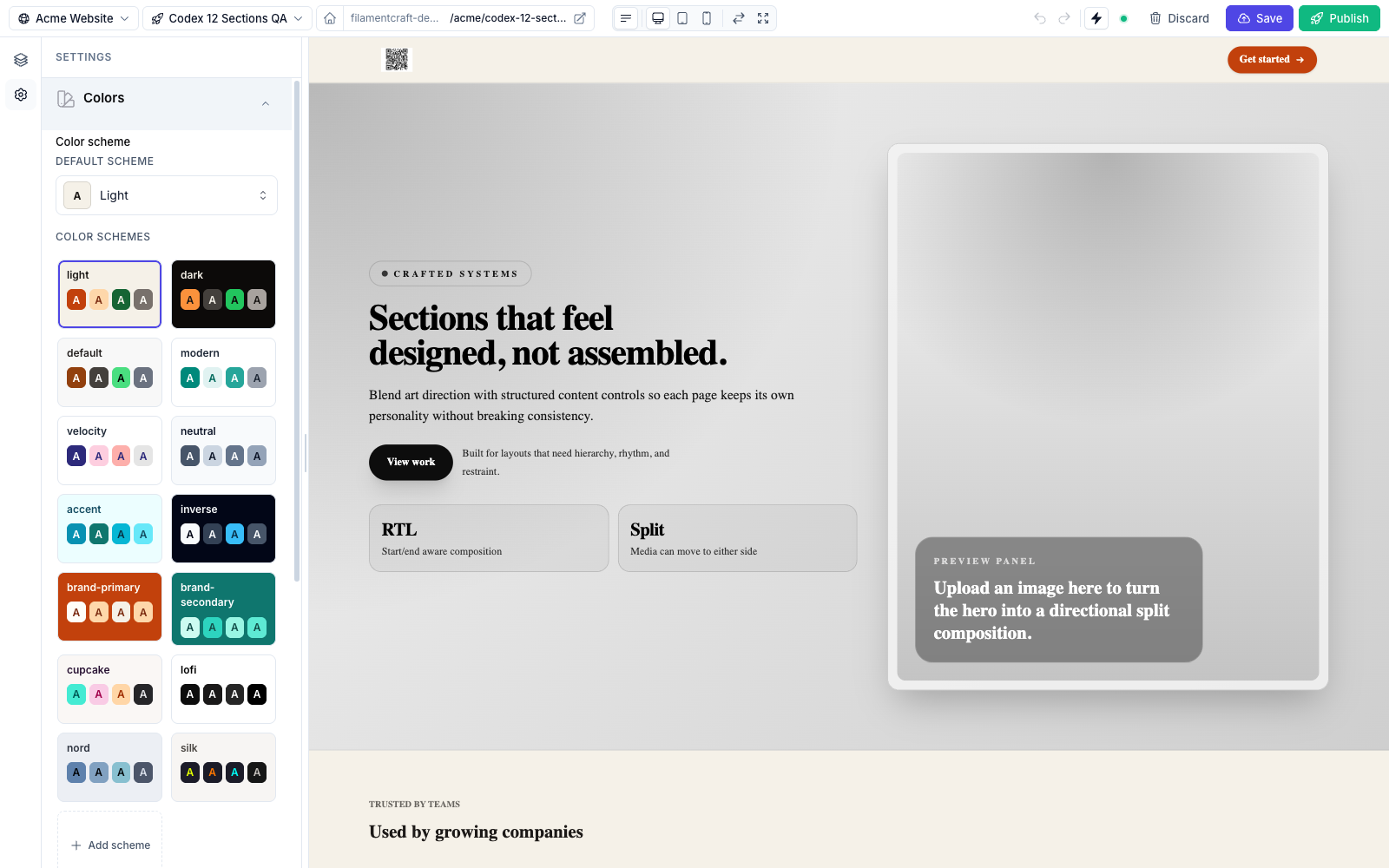
To avoid a flash of the light theme on a cold load, a small inline script in <head> reads localStorage before first paint and puts the attribute back. That script was the whole problem.
Why wire:navigate dark mode resets to light
The Livewire navigate docs are explicit about how scripts behave during a navigation. Livewire replaces the page's URL, <title> and <body> contents. For the head, "if two pages include the same <script> tag in the <head>, that script will only be run on the initial page visit and not on subsequent page visits." Scripts in the body are the opposite: because the body is replaced, "all <script> tags on the new page will be run."
Our restore script was a one-shot IIFE in the head. It ran once, on the cold load, and never again.
That alone would have been harmless if the attribute survived the hop. It did not. The incoming page is rendered by the server, and the server has no idea what the visitor picked, so its <html> tag arrives without data-fc-scheme-override. Since Livewire 3.5.19, navigation also copies the new page's <html> attributes onto the live element; a Livewire discussion traces broken dark mode on the root tag to that replaceHtmlAttributes change. The attribute is dropped, the override CSS stops matching, and the page goes light.
What we measured in the browser after one wire:navigate click:
localStoragestill helddark.<html>no longer carrieddata-fc-scheme-override.- The toggle's
aria-pressedsaidfalse. - A hard reload fixed everything, because the head script ran again.
The persisted value was fine. Only the re-apply was missing, which is why the bug looked random to anyone who used the browser's reload button.
The fix: an idempotent restore
The v1.29.0 fix wraps the logic in an apply() function, calls it once at load, and calls it again on every livewire:navigated. The docs describe that event as the final step of any navigation, and it also fires on the first page load instead of DOMContentLoaded. Here is the script as it ships today, unminified (the embedded branch came one release later and is covered below):
js
(function () {
    if (window.__fcSchemeRestoreBound) return;
    window.__fcSchemeRestoreBound = true;

    var root = document.documentElement;
    var embedded = window.self !== window.top;

    function store() {
        return embedded ? window.sessionStorage : window.localStorage;
    }

    function key() {
        var k = root.getAttribute('data-fc-scheme-key') || 'fc-scheme-override';
        return embedded ? k + ':editor' : k;
    }

    function apply() {
        var s = null;
        try { s = store().getItem(key()); } catch (e) {}

        if (s && /^[a-z0-9-]{1,64}$/i.test(s)) {
            root.setAttribute('data-fc-scheme-override', s);
        } else {
            root.removeAttribute('data-fc-scheme-override');
        }
    }

    apply();
    document.addEventListener('livewire:navigated', apply);
})();
A few details that are easy to get wrong when you write your own:
- The bound guard:
window.__fcSchemeRestoreBoundmeans the listener is attached once per document, even if the script tag ends up evaluated again. - The
elsebranch: removing the attribute when nothing is stored is part of the fix, not tidiness. Without it, a page that inherited an override has no way back to light after the visitor switches it off. - The pattern check: the stored value is written into an attribute and matched against a CSS selector, so anything that is not a short slug is ignored.
localStorageis user-editable. - The
try: reading storage can throw when site data is blocked, and a throw in a head script must not take the page down.
The toggle had the same bug
The button's own script is rendered in the body, so Livewire does re-run it on navigation. The trouble is the order. It runs while the new body is swapped in, which is before livewire:navigated fires and before the head script puts the override back. So the toggle synced its aria-pressed against a root element that had not been restored yet, and a screen reader heard "not pressed" on a dark page.
The toggle script already bound its click handler once, behind window.__fcSchemeToggleBound. The same v1.29.0 change added one more listener inside that guard:
js
document.addEventListener('livewire:navigated', syncAll);syncAll() reads the attribute and updates every [data-fc-scheme-toggle] button on the page. Because both listeners are registered on the same event, and the head script registers first on the cold load, the toggle always syncs after the restore.
The editor preview gets its own key
The embedded check in the script is there because the FilamentCraft editor shows the site inside an iframe. An author who flips dark mode in the preview should not change what they see as a visitor in another tab. Inside a frame, the choice goes to sessionStorage under the same key with an :editor suffix. That landed a release later, in v1.30.0. Before it, a flip in the preview was never stored at all, so any page hop inside the editor lost it.
Reusing the pattern in your own app
Nothing here is specific to FilamentCraft. If your Livewire app keeps a theme class or attribute on <html> and uses wire:navigate, the rules are:
- Store the choice client-side, because the server renders the next page without it.
- Put the restore in
<head>so the first paint is right. - Make the restore a function that sets and clears, and call it on
livewire:navigated. - Sync any UI that reflects the state on the same event, not when its own script runs.
The maintainer reply in that discussion also advises against putting an Alpine component on <html> or <body> at all, since Alpine then tracks the whole DOM. A plain attribute and a ten-line script avoid the question.
If you use the built-in toggle, the color schemes guide covers the settings, the per-site key and how to point the button at a scheme other than dark from a custom section. The styling guide explains the token layer the override block writes to, and you can click through a site with the toggle on in the live demo.