
Appearance
Filament custom page builder blocks, built step by step
Filament custom page builder blocks in FilamentCraft are plain PHP classes: extend BladeSection, declare a settings schema, point it at a Blade view, and the editor generates the form and live preview for you. This tutorial builds one from an empty directory to a registered, tested section, using only the APIs the package ships.
The example is a figures strip: a heading, an alignment choice and a repeatable list of figures ("3x faster", "40 locales"). It is small enough to read in one sitting and still touches every part of the section contract.
Scaffold filament custom page builder blocks with one command
The make command writes both files for you, so start there.
bash
php artisan make:filamentcraft-section FiguresThe command adds the Section suffix, so you get app/Sections/FiguresSection.php and resources/views/sections/figures.blade.php. Flags cover the usual overrides: --slug, --namespace (default App\Sections), --path, --view-path, --view and --force. Pass --livewire instead when the section needs server state, such as a form. The full list is on the make commands reference.
The generated class is already a working section. It declares a heading, a subheading and a ColorScheme setting, sets wrapper() to section.figures, and carries commented-out blocks() and presets() methods you can uncomment. We will replace the body rather than start from nothing.
Pin the slug first
The slug is the one value you should decide before anyone uses the section. It is stored in every saved template revision, so it is the section's identity in the database.
slug() has a default (the kebab-cased class name minus -section), which means FiguresSection would become figures on its own. We still declare it. If the class is renamed later, a derived slug changes with it and every page that used the old slug loses its content. Writing it out pins it.
php
<?php

declare(strict_types=1);

namespace App\Sections;

use FilamentCraft\Sections\BladeSection;

final class FiguresSection extends BladeSection
{
    protected static string $view = 'sections.figures';

    public static function slug(): string
    {
        return 'figures';
    }

    public static function name(): string
    {
        return 'Figures';
    }

    public static function icon(): string
    {
        return 'heroicon-o-chart-bar';
    }
}
name() is the catalog label, icon() the catalog icon. category() and description() are optional and control where the section sits in the Add section picker.
Declare settings with the DSL
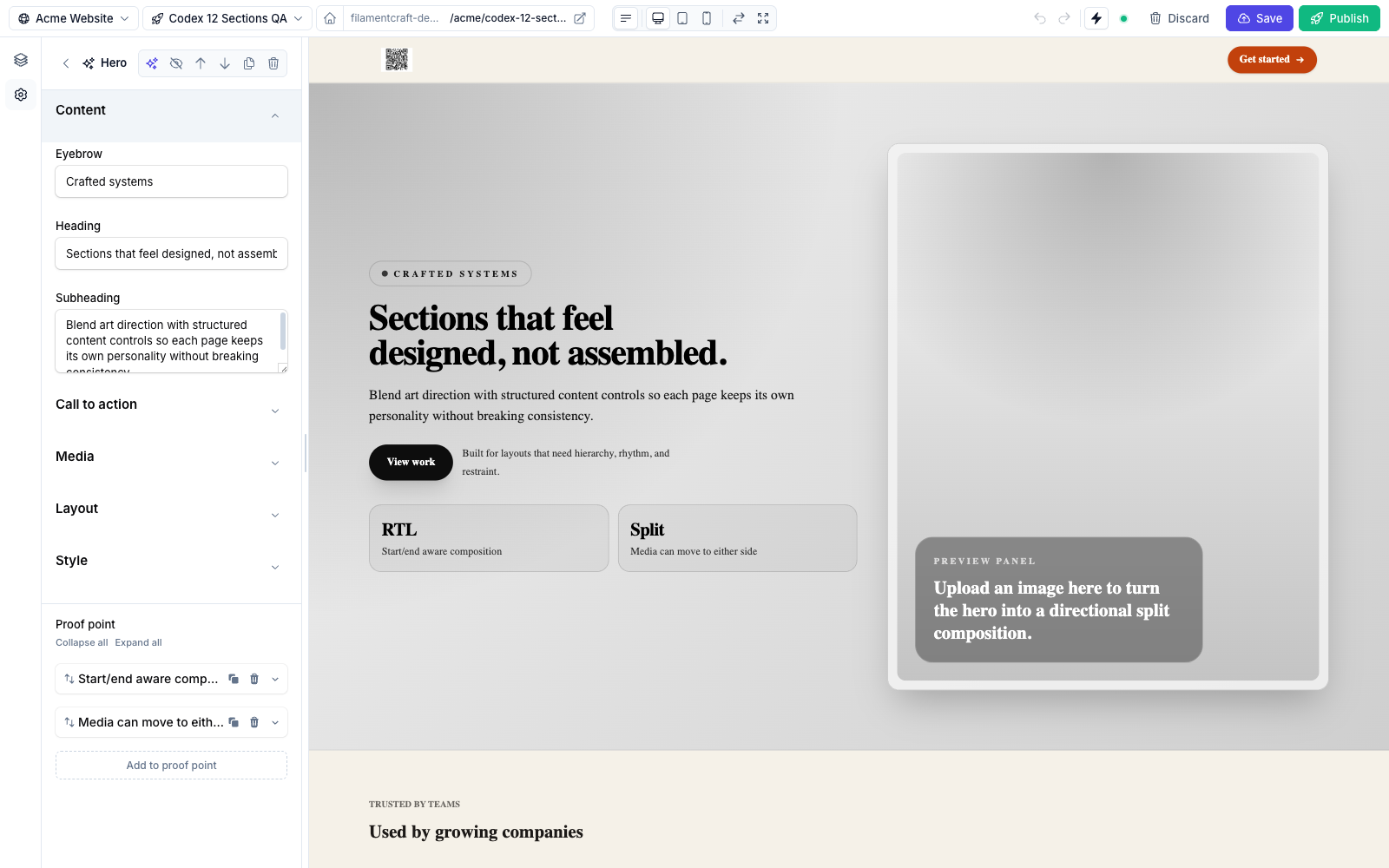
settings() returns a list of setting objects, and FilamentCraft compiles them into the Filament form in the editor sidebar. Each type lives under FilamentCraft\Settings\Types, and every one shares the same fluent base: label(), default(), required() and visibleIf().
php
use FilamentCraft\Settings\Types\ColorScheme;
use FilamentCraft\Settings\Types\Group;
use FilamentCraft\Settings\Types\Select;
use FilamentCraft\Settings\Types\Text;

public static function settings(): array
{
    return [
        Group::make('content')->label('Content'),
        Text::make('heading')->label('Heading')->default('By the numbers'),

        Group::make('layout')->label('Layout')->collapsed(),
        Select::make('align')
            ->label('Alignment')
            ->default('center')
            ->options([
                'start' => 'Start',
                'center' => 'Center',
            ]),
        ColorScheme::make('scheme')->label('Color scheme'),
    ];
}
Group splits a long form into labelled clusters, and collapsed() keeps the secondary one closed by default. The package ships more types than this: Textarea, RichText, Image, Link, Number, Range, Checkbox, Radio, Color, Gradient, Font, Icon, Spacing and others. The setting types overview documents each.
You can also drop raw Filament v4 components into the same array. The compiler adds live() to every leaf field so the preview keeps updating, and it honours both the DSL's visibleIf(['cta_enabled' => true]) shortcut and Filament's own visible(Closure) callback. That matters when a Filament plugin you already use has a field you want in a section.
Add repeatable blocks
A block is a repeatable child item with its own settings schema. The figures strip needs one per figure, so declare a stat block with a per-type limit.
php
use FilamentCraft\Sections\Block;

public static function blocks(): array
{
    return [
        Block::make('stat')
            ->name('Stat')
            ->limit(6)
            ->settings([
                Text::make('value')->label('Value')->default('3x'),
                Text::make('label')->label('Label')->default('Faster setup'),
            ]),
    ];
}
Two caps apply here. limit(6) is per block type. maxBlocks(), which defaults to 16, caps the total across every block type in one section instance. In the editor the blocks render as a reorderable repeater where each row expands into its own fields.
Then give the section sensible starting content, so a freshly added strip is not empty:
php
public static function defaults(): array
{
    return [
        'settings' => ['heading' => 'By the numbers', 'align' => 'center'],
        'blocks' => [
            ['id' => 'stat-1', 'type' => 'stat', 'settings' => ['value' => '3x', 'label' => 'Faster setup']],
            ['id' => 'stat-2', 'type' => 'stat', 'settings' => ['value' => '40', 'label' => 'Locales']],
        ],
    ];
}
Since v1.19 a missing settings or blocks key in defaults() degrades to an empty set instead of failing, but writing both keeps the intent obvious.
Write the Blade view
The view receives a $section data object. Settings come from $section->settings->get('key'), and blocks are an array of block data objects on $section->blocks, each with its own settings.
blade
@php($s = $section->settings)
<x-filamentcraft::section :section="$section" class="figures">
    <x-filamentcraft::container :class="$s->get('align') === 'center' ? 'text-center' : ''">
        <h2 {!! $section->liveUpdate('heading') !!} class="text-3xl font-bold">
            {{ $s->get('heading') }}
        </h2>

        <dl class="mt-8 grid gap-6 sm:grid-cols-3">
            @foreach ($section->blocks as $block)
                <div>
                    <dt {!! $block->liveUpdate('label') !!} class="text-sm opacity-70">{{ $block->settings->get('label') }}</dt>
                    <dd {!! $block->liveUpdate('value') !!} class="text-4xl font-bold">{{ $block->settings->get('value') }}</dd>
                </div>
            @endforeach
        </dl>
    </x-filamentcraft::container>
</x-filamentcraft::section>
The components are what the stub uses and they are worth keeping. <x-filamentcraft::section> applies the color scheme and section spacing from the theme, and <x-filamentcraft::container> applies the container width, so the section follows the site's theme settings without you reading them. liveUpdate() exists on both SectionData and BlockData; it marks the element the editor patches while the user types.
If you use Alpine directives in the markup, leave x-data off the outermost element. FilamentCraft detects Alpine in the rendered HTML and wraps the section in an x-data root itself, which is also why the page stays free of JavaScript when no section needs it.
Ship presets for one-click starting points
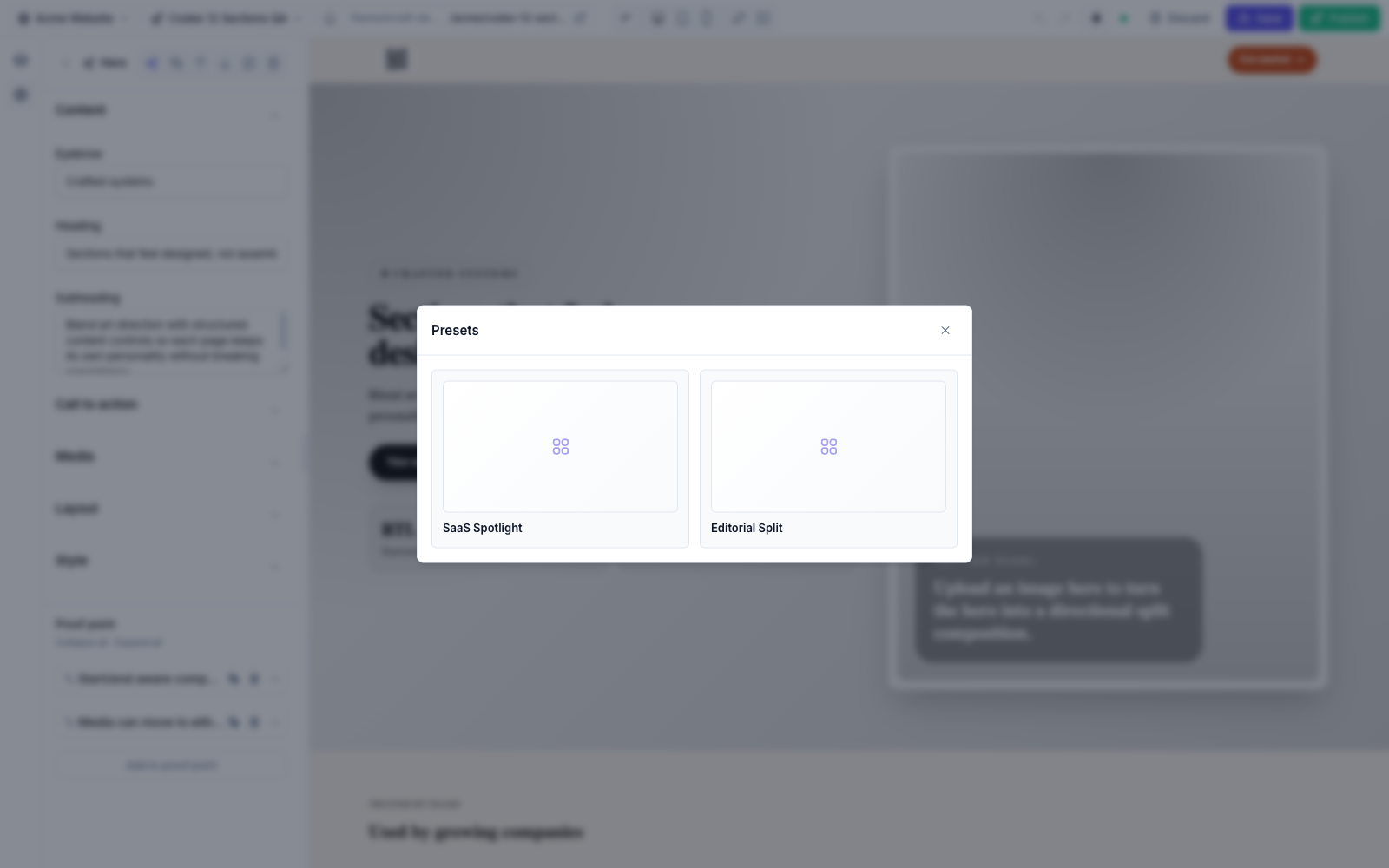
A preset is a named bundle of settings and blocks the user applies from the Browse presets button on the section header. Preset::make() takes a slug and a display name.
php
use FilamentCraft\Sections\Preset;

public static function presets(): array
{
    return [
        Preset::make('modern', 'Modern')
            ->settings(['heading' => 'By the numbers', 'align' => 'center'])
            ->blocks([
                ['id' => 'stat-1', 'type' => 'stat', 'settings' => ['value' => '3x', 'label' => 'Faster setup']],
                ['id' => 'stat-2', 'type' => 'stat', 'settings' => ['value' => '40', 'label' => 'Locales']],
            ]),
        Preset::make('editorial', 'Editorial')
            ->settings(['heading' => 'What changed this year', 'align' => 'start']),
    ];
}
The slugs are not arbitrary. Every built-in section names its presets modern, editorial, bold and elegant, the four style families the starter-site seeder builds from. Use the same slugs and a blueprint can pre-fill your section per family with BlueprintSection::fromPreset(FiguresSection::class, $familySlug).
Register the section
A section in app/Sections/ is picked up automatically, so the class above works with no extra wiring. Outside that path, register it on the plugin in your panel provider:
php
use FilamentCraft\FilamentCraftPlugin;

$panel->plugin(
    FilamentCraftPlugin::make()
        ->registerSection(\App\Sections\FiguresSection::class)
        ->discoverSectionsIn(app_path('Sections/Marketing'))
);
Both methods take an optional second $prefix argument. ->registerSection(FiguresSection::class, 'acme') stores the slug as acme::figures, which keeps a vendor pack from colliding with your own sections. The same registration is available in config through sections.register and sections.paths in config/filamentcraft.php.
If a section throws while rendering, the editor shows a "failed to render" card and published pages skip that section instead of returning a 500. The failure is recorded per site, and filamentcraft:doctor lists it with the message and a count, so a broken view is visible even though the page kept serving.
Test it with SectionDataFactory
FilamentCraft\Testing\SectionDataFactory builds a SectionData fixture through the same SectionData::fromArray() pipeline the editor uses, so settings and blocks resolve exactly as they do in production. Pair it with renderToHtml() to assert on the output:
php
use App\Sections\FiguresSection;
use FilamentCraft\Testing\SectionDataFactory;

it('renders every stat block', function (): void {
    $section = SectionDataFactory::for(FiguresSection::class)
        ->settings(['heading' => 'By the numbers'])
        ->blocks([
            ['id' => 's1', 'type' => 'stat', 'settings' => ['value' => '3x', 'label' => 'Faster setup']],
            ['id' => 's2', 'type' => 'stat', 'settings' => ['value' => '40', 'label' => 'Locales']],
        ])
        ->make();

    expect(FiguresSection::renderToHtml($section))
        ->toContain('By the numbers')
        ->toContain('Faster setup')
        ->toContain('40');
});
The factory also has withSite(), locale(), pageColorScheme() and designMode() for sections that read the site, render per locale or behave differently in the editor preview. For a LivewireSection, ->test() builds the fixture and mounts the component in one call. One warning from the testing reference applies there: Livewire::test() passes even for a section that was never registered, while the live site answers every wire action on it with a 419. Register interactive sections and click through them once in a browser.
The custom sections guide covers the rest of the contract (cacheable(), enabledOn(), Livewire sections), and the testing reference lists every factory method. To see finished sections in the editor before writing your own, open the live demo.