
Appearance
Curating the Catalog
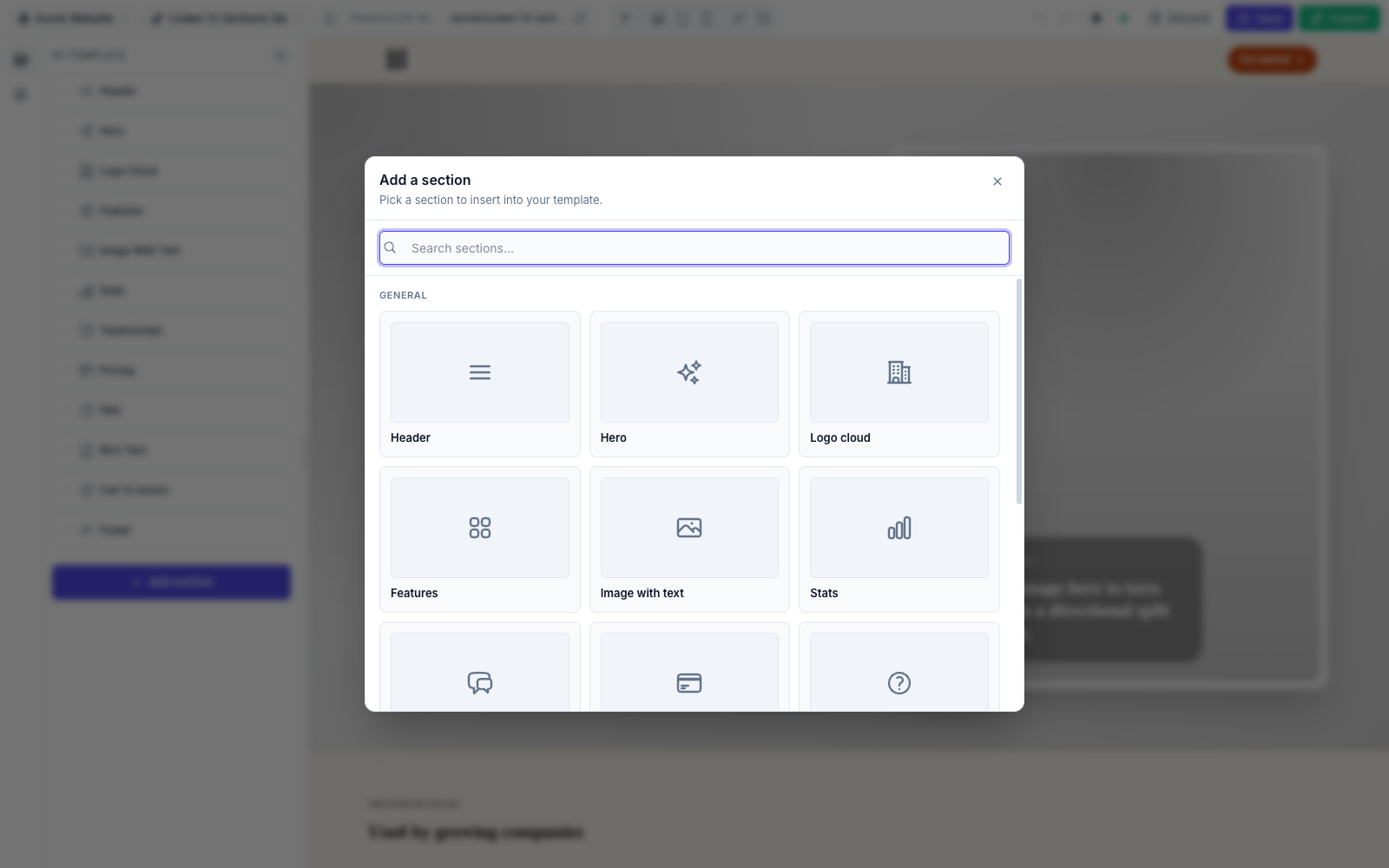
The catalog is the Add Section picker inside the editor — the menu of section types a content editor can insert into a page. By default it contains all 32 built-in sections plus any custom sections you've registered or discovered.
Curating the catalog lets you decide which section types appear in that picker, without breaking pages that already use a type.
Catalog ≠ rendering
The allowSections() / withoutSections() filters affect only adding new sections. A section type that's already placed in a template keeps rendering on the published page even if you later hide it from the picker — existing content never breaks. (That guarantee is specific to these two filters; see the withBuiltinSections(false) warning below.)
Enforced server-side
The allow/disable rules aren't just cosmetic filtering of the picker UI — every insert path checks them at section-add time, so the restriction can't be bypassed by a direct Livewire call.
Show only a short list
allowSections() takes an allow-list of slugs. When set, the catalog shows only those types — everything else is hidden, built-in or custom.
php
use FilamentCraft\FilamentCraftPlugin;

FilamentCraftPlugin::make()
    ->allowSections(['hero', 'features', 'cta']);
Use this when editors should work from a deliberately small, on-brand set.
Hide a few types
withoutSections() is the inverse: keep the full library except the slugs you name.
php
FilamentCraftPlugin::make()
    ->withoutSections(['pricing', 'logo-cloud']);
The named types are removed from the picker but stay registered, so any template already using them continues to render.
Drop the built-ins entirely
To remove all 32 built-in sections — for example when you ship your own complete library — turn them off:
php
FilamentCraftPlugin::make()
    ->withBuiltinSections(false)
    ->discoverSectionsIn(app_path('Sections'));
With withBuiltinSections(false), the built-in classes are never registered, so the catalog contains only your custom sections.
Unregistering breaks existing content
Unlike the catalog filters above, withBuiltinSections(false) unregisters the built-in classes entirely — templates that already contain built-in sections stop rendering them. Only use it before editors start building, or after migrating existing content to your own library.
Configure via config/filamentcraft.php
allowSections() and withoutSections() write to config, so you can set the same values in config/filamentcraft.php instead of code:
php
'builtin_sections_enabled' => true,   // toggled by withBuiltinSections()

'sections' => [
    'allowed'  => ['hero', 'features', 'cta'],  // null = allow all
    'disabled' => ['pricing'],
    'register' => [],                           // explicit section classes
    'paths'    => [],                           // auto-discovered directories
],| Plugin method | Config key |
|---|---|
allowSections([...]) | filamentcraft.sections.allowed |
withoutSections([...]) | filamentcraft.sections.disabled |
withBuiltinSections(bool) | filamentcraft.builtin_sections_enabled |
registerSection(...) | filamentcraft.sections.register |
discoverSectionsIn(...) | filamentcraft.sections.paths |
The plugin methods take precedence when both are set.
How the rules combine
- Built-ins register only when
builtin_sections_enabledis true (default). - Custom sections register via
registerSection()/discoverSectionsIn(). - The catalog then shows every registered type, filtered by
allowed(if set) and minusdisabled.
So allowSections() is a whitelist applied on top of whatever is registered, and withoutSections() is a blacklist — they can be combined, but allowSections() is the stronger constraint.