
Appearance
Sections
Sections are the reusable building blocks that make up a page — Hero, Features, Pricing, and so on. A page (template) is an ordered list of section instances, each with its own settings, blocks, and color scheme.
FilamentCraft ships 38 built-in sections — 31 content sections plus a 7-section data-driven commerce pack (Store hero, Category grid, Product carousel, Product listing, Product page, Cart, Checkout) whose content comes from your product catalog through the Storefront contract rather than authored settings. Adding your own takes a single PHP class plus a Blade view.
Start here
| Page | What it covers |
|---|---|
| Built-in Sections | The 25 shipped content sections — their settings, blocks, and presets. |
| E-commerce Store | The 7 commerce sections and the Storefront contract that feeds them live product data. |
| Reusable Carousel | The <x-filamentcraft::carousel> component built-in sections ride — use it in your own. |
| Overlays & State | Sheet, empty state, pills and skeleton components for your own sections. |
| No-Code Section Builder | Let your users design their own section types in the browser — no PHP, no release. |
| Custom Sections | Author your own section, mix DSL + Filament components, add blocks and presets. |
| Customize Built-ins | Create a safe variant or replace a built-in everywhere with one command. |
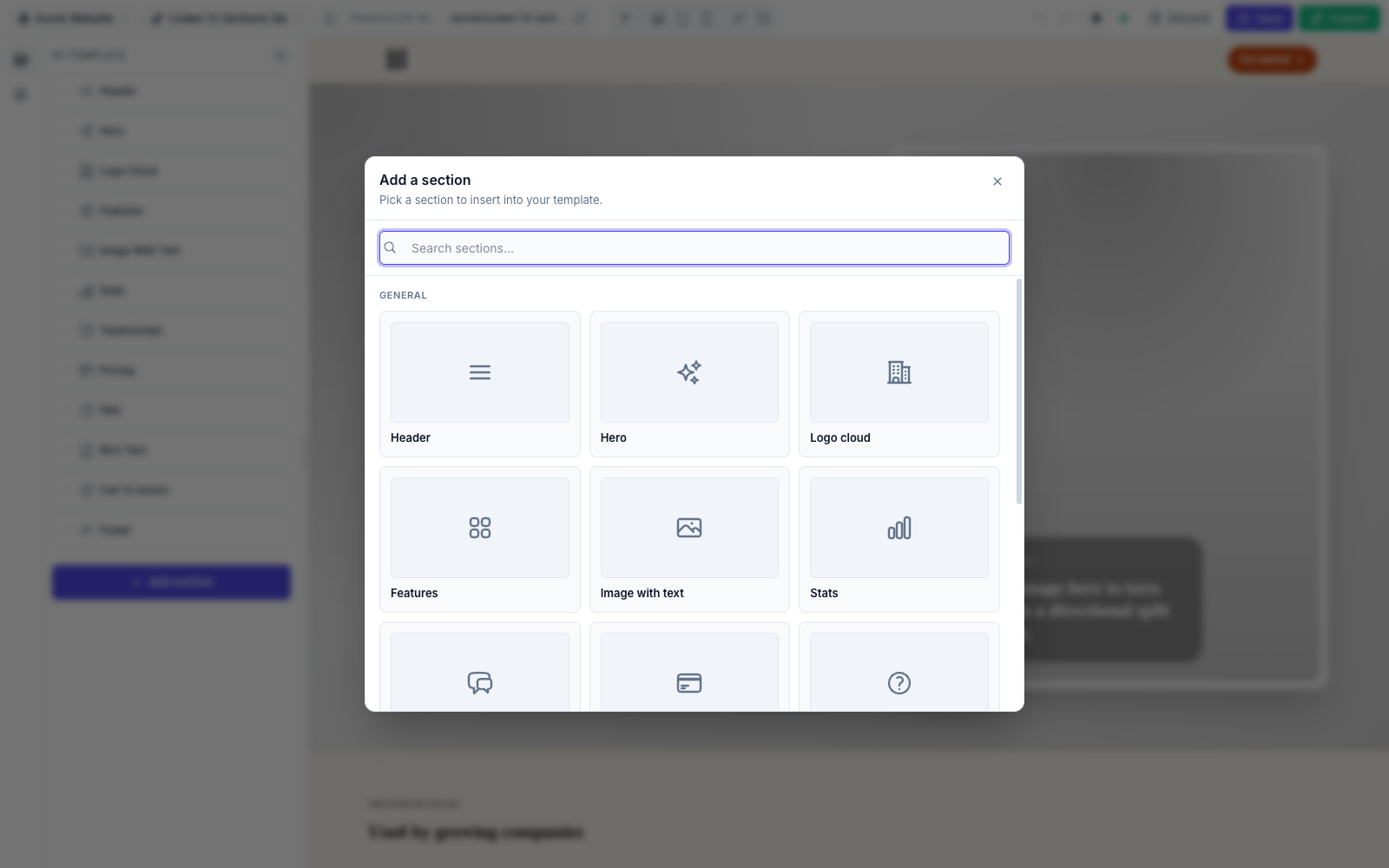
| Curating the Catalog | Control which section types appear in the Add Section picker. |
| Setting Types | Every input you can put in a section's settings(). |
Anatomy of a section
- Settings — the controls shown in the section's panel, declared in a static
settings()method. See Setting Types. - Blocks — repeatable child items (nav links, pricing plans, quotes) with their own settings and an optional limit. See Custom Sections → Blocks.
- Presets — named, one-click starting points bundling settings + blocks. See Custom Sections → Presets.
- A Blade (or Livewire) view — renders the resolved data on the page.
cacheable()— whether the published render may be fragment-cached (defaulttrue; override tofalsefor request- or session-dependent output like carts and countdowns).
Anchor links
Every section's outer wrapper carries its section id as an HTML id, so an in-page link (#plans) in any link setting scrolls to that section on the live site:
html
<div id="plans" data-fc-section-id="plans" data-fc-section-type="pricing">…</div>- The id is the section's key in the template — the one you choose when seeding a page (
'plans' => [...]), or the generatedpricing_ab12cd34for sections added in the editor. - It is reduced to
A–Z a–z 0–9 . _ -before rendering; anything else is dropped, and an id that ends up empty gets no anchor. - Ids starting with
fc-get no anchor either — that prefix is reserved for FilamentCraft's own element ids (fc-tokens,fc-team-heading-…), so a section can never collide with them. - In the editor canvas, clicking a link selects its section instead of scrolling — anchors take effect on the published page.
A custom section in 30 seconds
php
namespace App\Sections;

use FilamentCraft\Sections\BladeSection;
use FilamentCraft\Settings\Types\Text;
use FilamentCraft\Settings\Types\Textarea;

final class TestimonialSection extends BladeSection
{
    protected static string $view = 'sections.testimonial';

    public static function slug(): string { return 'testimonial'; }
    public static function name(): string { return 'Testimonial'; }

    public static function settings(): array
    {
        return [
            Textarea::make('quote')->label('Quote')->required(),
            Text::make('author')->label('Author')->required(),
        ];
    }

    public static function defaults(): array
    {
        return ['settings' => ['author' => 'Customer Name'], 'blocks' => []];
    }
}
Register it with ->registerSection(\App\Sections\TestimonialSection::class) or drop it in app/Sections/ for auto-discovery. The full walkthrough — the contract, blocks, presets, and extending a built-in — is in Custom Sections.
Start from a built-in
php artisan filamentcraft:customize-section searches the shipped catalog and generates either a safe new variant or an explicit application-wide replacement. See Customizing Built-in Sections.
Scaffold it
php artisan make:filamentcraft-section Testimonial generates the class and Blade view (add --livewire for a Livewire section). See Make Commands.