
Appearance
FilamentCraft live demo
The demo is a real Laravel app with Filament panels and FilamentCraft installed, the same package you get from composer require. One click logs you in as a demo user and drops you inside the visual editor. There is nothing to install and no signup.
The sandbox resets itself every 30 minutes, so break whatever you like. The next visitor gets a clean copy.
Three ways in
The demo home page offers three doors. Each one is a different Filament panel on the same install.
| Door | Panel | What it shows |
|---|---|---|
| Multi-tenant | /admin | One panel, several tenants. Each tenant owns its own site and theme, and switching tenants re-scopes the builder. |
| Single site | /studio | No tenancy at all: one workspace, one site. The lightest install. |
| Store | /shop | The Maison Aurelia storefront, built from FilamentCraft sections, with a product catalog you manage in the panel. |
The one-click links log you in for you. To log in by hand, use demo@filamentcraft.dev, studio@filamentcraft.dev or shop@filamentcraft.dev with the password demo-sandbox.
The site editor: Cascade Coffee
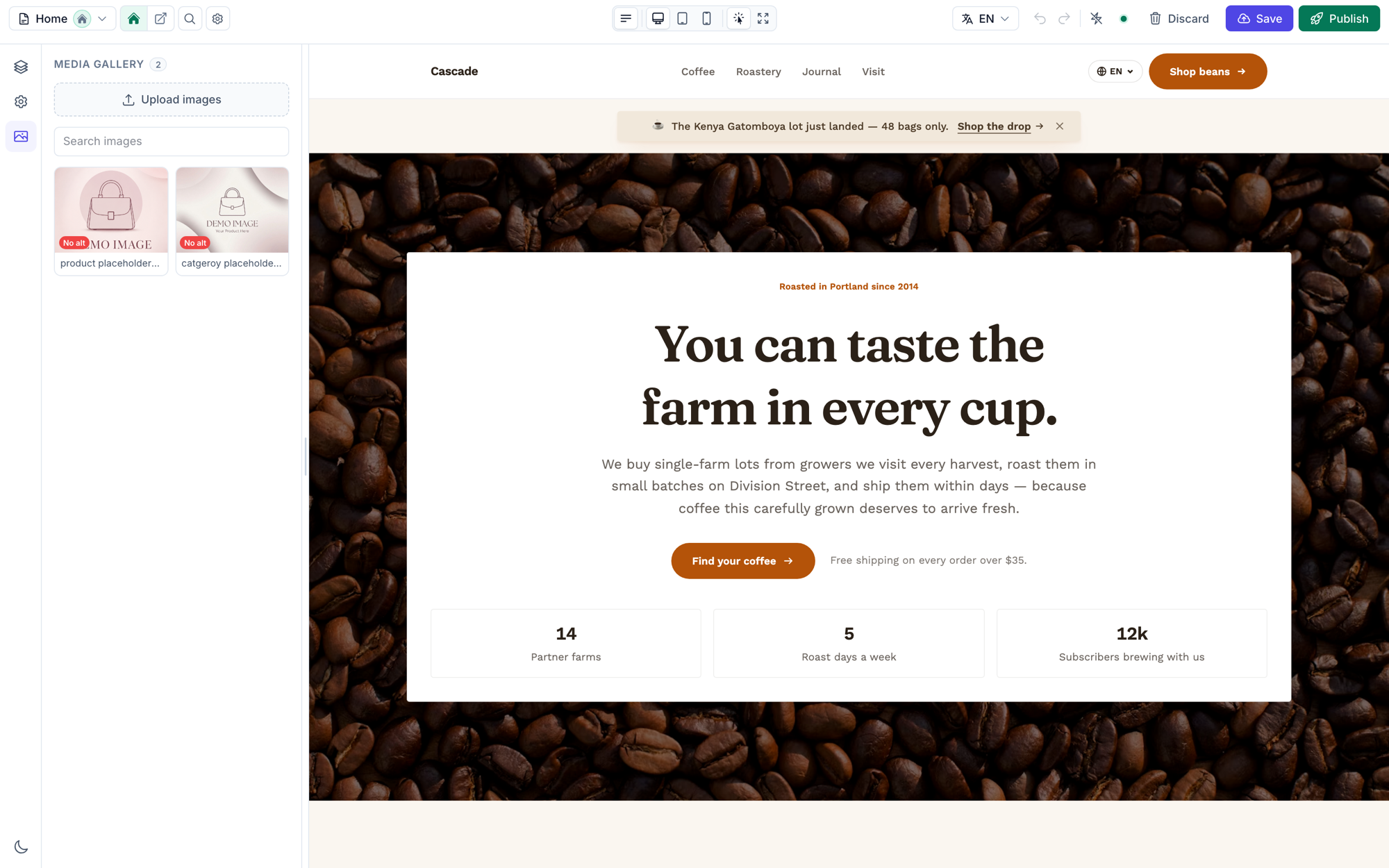
Open the site editor to land in the Filament admin panel demo on Cascade Coffee, a specialty roaster site in English, French and Arabic. Things to try:
- Drag, add, duplicate and hide sections, then edit their settings and watch the live preview repaint.
- Switch the preview between desktop, tablet and mobile.
- Change colors, color schemes and fonts in the theme panel.
- Preview a theme preset on the whole site, apply it, then undo.
- Switch the editor to Arabic and see the page flip to right-to-left.
- Edit the header and footer, which every page shares. See Regions.
- Undo and redo, save a draft, then publish and open the live site.
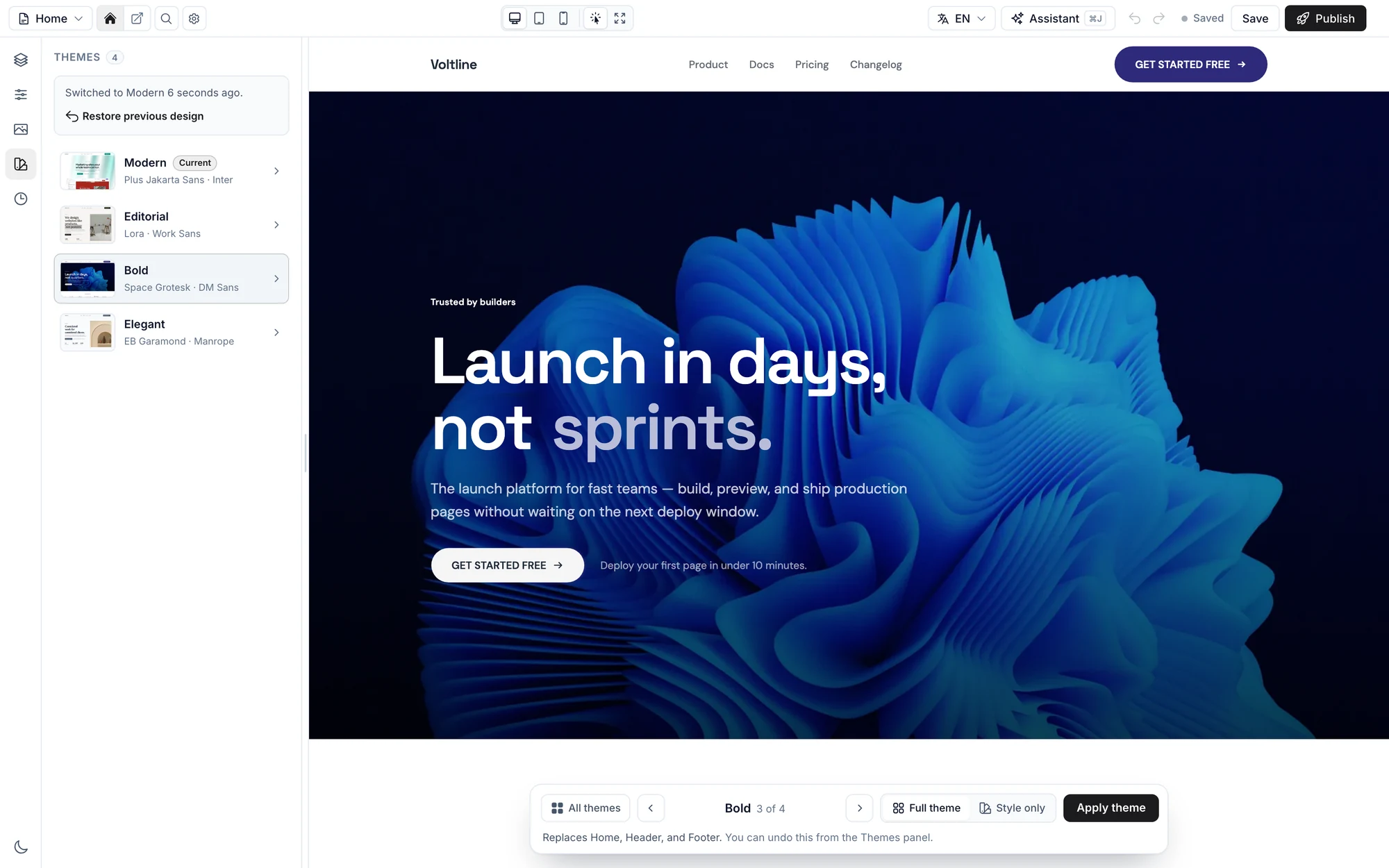
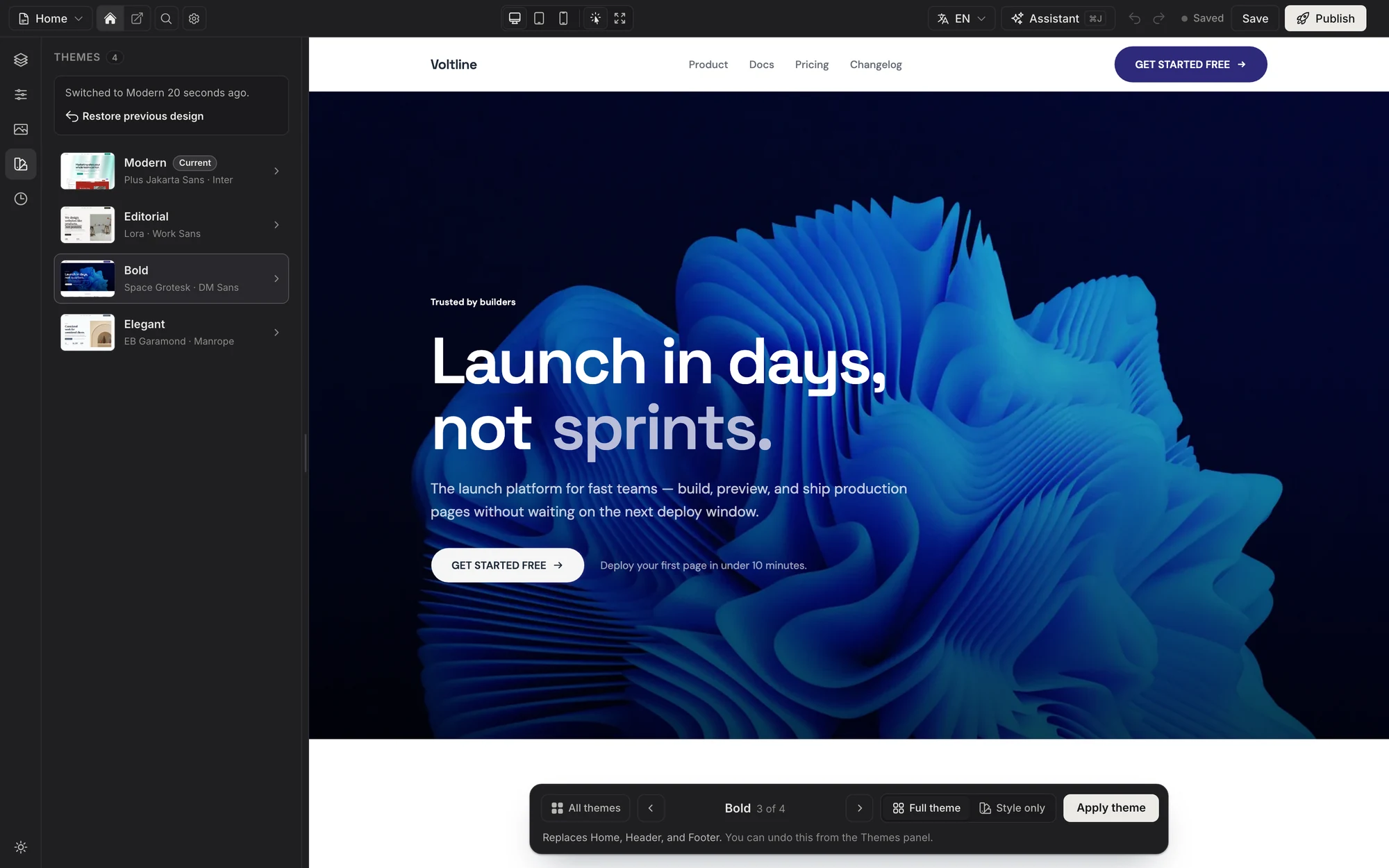
The store editor: Maison Aurelia
Open the store editor to edit the Maison Aurelia shop. Its home, catalog, product, cart and checkout pages are all FilamentCraft sections, and the products come from real database tables. On the public store you can filter the catalog, open a product, add it to the cart and check out with cash on delivery.
The e-commerce example shows how the store is wired, from the Storefront contract to the checkout.
What the demo does not show
The demo runs the package as it ships. Your own app adds what the demo can't: your models as site owners, your custom sections, your domains and your Filament theme. The introduction covers the full feature list.
Next steps
- Install FilamentCraft in your own Filament panel.
- Compare FilamentCraft with Filament Fabricator, Layup and the Builder field.
- Pricing: one-time licences from $49, with a 14-day refund.